A product can look impressive in a CAD rendering, function correctly on a workbench, and still frustrate the person who buys it. That gap is where usability testing matters. Knowing how to test product usability before committing to tooling, inventory, or a patent-focused prototype revision helps inventors make decisions based on real behavior, not assumptions.
For a new product, usability is not simply whether someone likes the design. It is whether the intended user can understand what the product does, operate it safely, complete key tasks, and feel confident using it again. A confusing latch, an awkward grip, an unclear setup step, or a display that is hard to read can undermine an otherwise valuable invention.
The good news is that usability testing does not need to be expensive or overly formal at the early stage. It does need to be structured. The right test can reveal what to improve while changes are still practical and affordable.
Start With the Jobs Your Product Must Do
Before asking anyone to try the product, define the essential jobs it must perform. A portable medical accessory may need to open one-handed, hold securely, and be easy to clean. A consumer kitchen product may need to assemble quickly, remain stable during use, and clearly show when it is ready. An industrial device may need to reduce operator error while wearing gloves.
Write these as observable tasks rather than broad goals. “Use it easily” is too vague to test. “Install the battery without instructions,” “adjust the setting to level three,” or “remove the container without spilling” gives you something specific to watch.
This step also forces an important decision: who is the actual user? The inventor is rarely the best person to answer that question alone. The person paying for the product may not be the person using it every day. A parent may buy a product that a child uses. A facility manager may approve equipment that a technician operates. Test the user whose experience determines whether the product succeeds.
Build a Prototype That Answers the Right Questions
You do not always need a production-ready unit to test usability. The prototype should match the question you need answered.
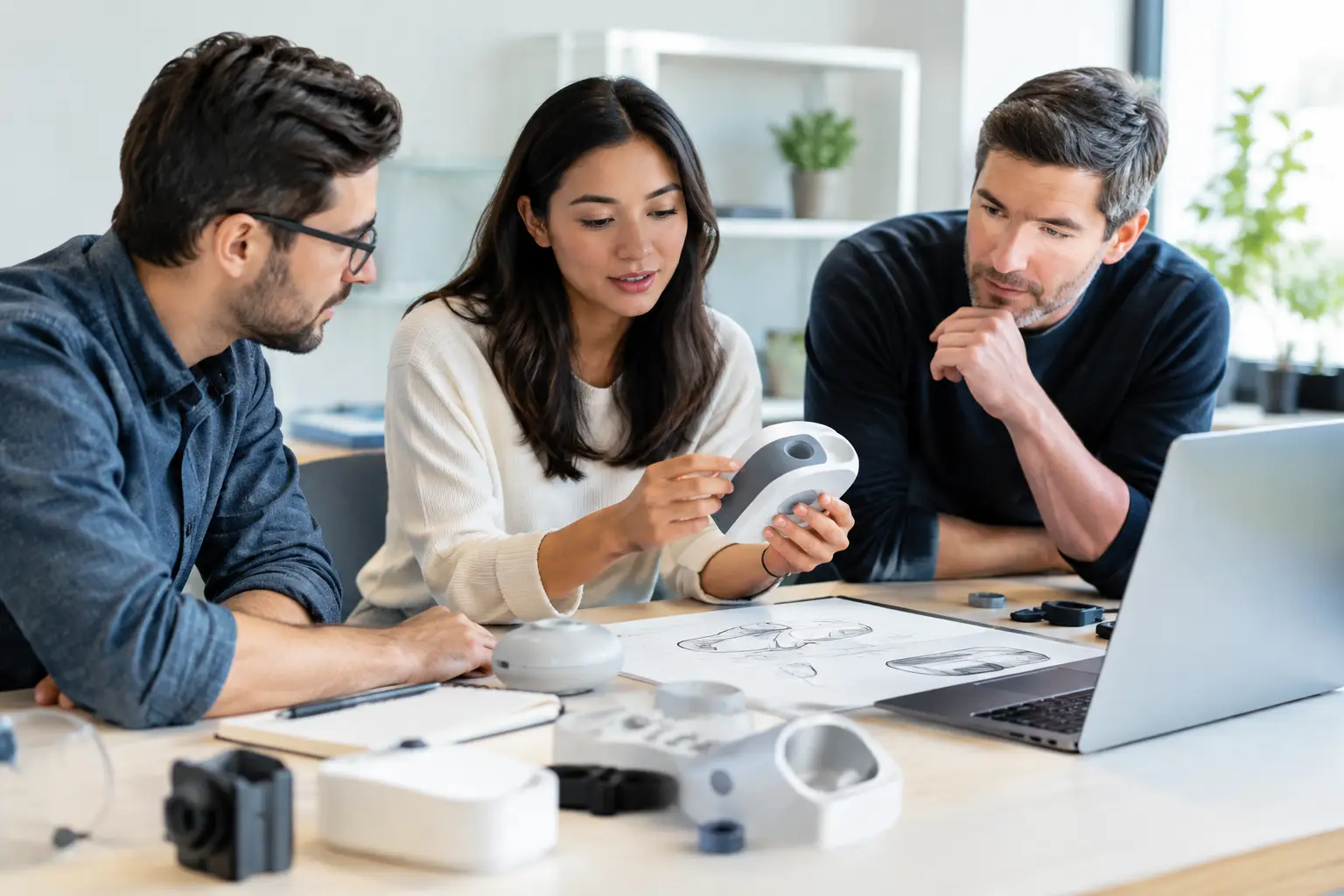
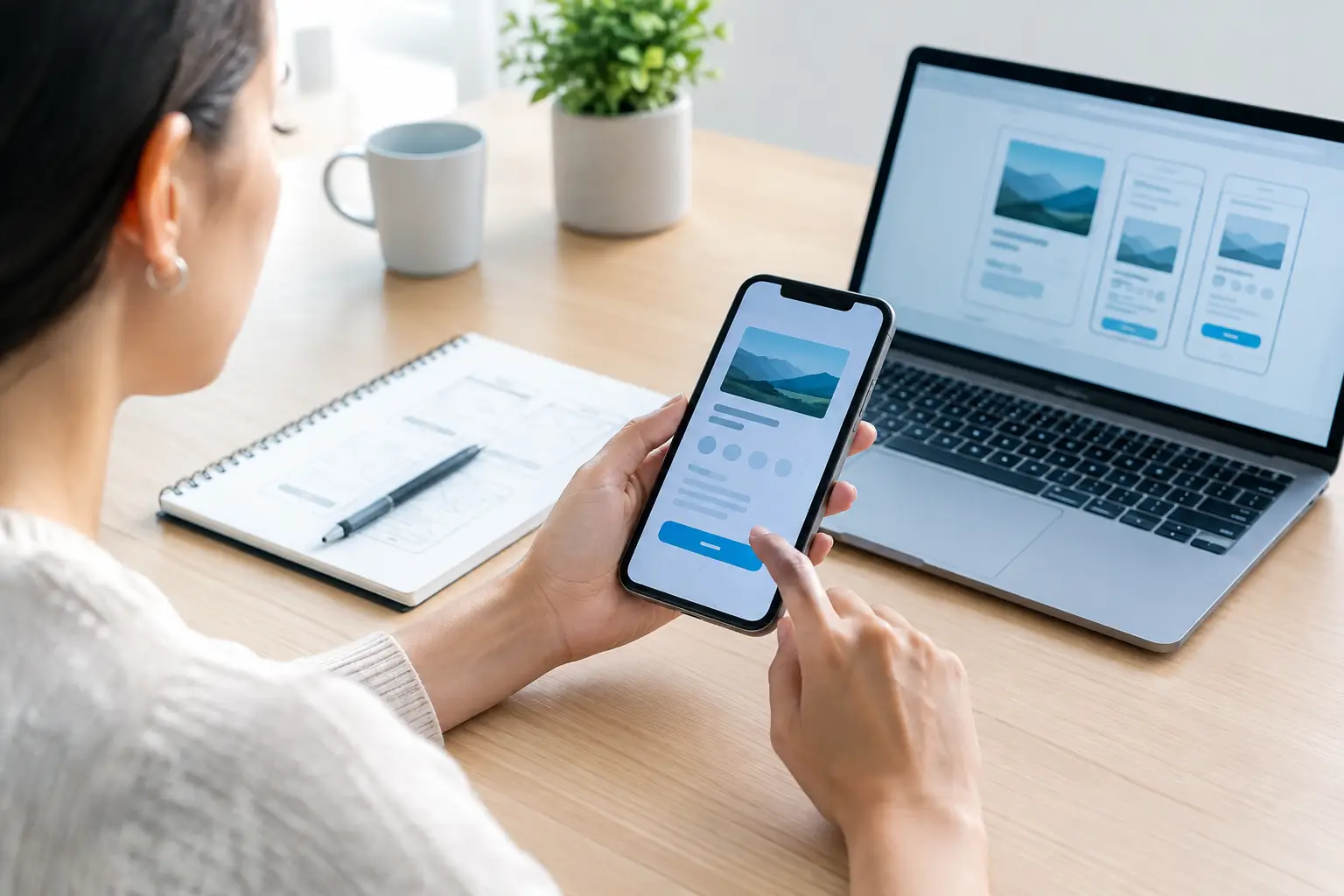
A simple foam model, 3D print, or appearance model can reveal whether the product is comfortable to hold, the controls are reachable, and its size makes sense in the intended environment. A functional proof-of-concept is better for testing movement, force, assembly, feedback, and repeated use. If the user must interpret an app, screen, indicator light, or instructions, those elements should be represented well enough to produce a realistic response.
Early prototypes have limits, and that is acceptable if participants understand them. A 3D-printed housing may feel rougher or heavier than the final material. A hand-built mechanism may not have final tolerances. What matters is avoiding false confidence. If a prototype cannot accurately represent a critical feature, do not draw final conclusions about that feature.
For products that combine mechanics, electronics, and user interaction, the best approach is often iterative. Test the form first. Then test the working mechanism. Then test the integrated product experience. Trying to perfect everything before showing it to users can waste valuable development time.
How to Test Product Usability With Real Users
Recruit people who resemble your intended customers, not just supportive friends or business colleagues. Friends may be eager to encourage you, but they often know too much about the product and may hesitate to criticize it. The goal is honest observation.
For an early-stage consumer product, five to eight well-matched participants can expose repeated usability problems. If your product serves distinctly different groups, include each group. For example, a mobility product may need testing with users of different abilities, caregivers, and professionals who assist with setup. A more complex or safety-sensitive product may require a larger and more controlled study.
Set up a simple testing session. Give each participant one task at a time, then ask them to use the prototype with minimal coaching. Start with a realistic scenario: “You just received this product at home. Show me how you would get it ready for use.” Avoid explaining the intended operation before they try. If users need extensive instruction in the test, they may need it in the real world too.
Ask participants to say what they are thinking as they work. Their comments can be useful, but behavior is more valuable. Notice where they pause, turn the product over repeatedly, use excessive force, look for a button that is not there, or abandon a task. Those moments reveal friction that an interview alone can miss.
Do not defend the design during the session. If a participant misunderstands a feature, that does not automatically mean the participant is wrong. It may mean the product is sending the wrong signal. Thank them, take notes, and save the discussion for after the task.
Measure More Than Opinions
At the end of a session, it is tempting to ask, “Did you like it?” That question may provide a positive quote, but it will not tell you what to fix. Strong usability testing combines what users say with measurable outcomes.
Track whether each person completed the task, how long it took, how many errors occurred, whether they needed help, and where confusion appeared. You can also ask participants to rate perceived difficulty on a simple scale, such as one to five. A task completed in thirty seconds with visible frustration is not the same as a task completed confidently in thirty seconds.
Look for patterns across sessions. One person struggling with a feature may be an individual preference. Four people making the same mistake is a design signal. Group findings by severity:
- Critical issues prevent use, create a safety concern, or could cause damage.
- Major issues allow task completion but create frustration, delay, or frequent errors.
- Minor issues do not stop use but make the product feel less intuitive or less polished.
- Positive findings show which elements users understand immediately and should not be changed without reason.
This prioritization protects the budget. Not every comment deserves a redesign. Focus first on problems that affect safety, core product value, repeat use, or the customer’s willingness to buy.
Test the Full Experience, Not Just the Main Feature
Many product teams test the exciting feature and overlook the moments around it. Yet customers judge the full experience: opening the package, assembling components, charging or powering the device, cleaning it, storing it, and understanding when something is wrong.
Consider a countertop appliance with an excellent primary function but a water reservoir that is difficult to remove. Or a wearable device with a useful sensor but a clasp that users cannot operate independently. These details can become the reason for returns, poor reviews, or low repeat use.
Test under realistic conditions whenever possible. If the product is meant for a workshop, do not evaluate it only on a clean conference table. If it is used in a kitchen, test with wet hands and limited counter space. If it is intended for older adults, do not assume younger testers can stand in for them. Context changes behavior.
You should also test instructions and labeling. The ideal product does not require a lengthy manual for basic operation, but some products need clear setup, maintenance, and safety guidance. Watch whether users find and understand those materials at the moment they need them.
Turn Findings Into Better Design Decisions
After testing, create a short findings document that connects each issue to a design action. Instead of writing, “Users did not like the handle,” document what happened: “Six of seven participants repositioned their hand before lifting the product. Users with smaller hands could not reach the release button while supporting the weight.” That statement gives your industrial designer or engineer a usable direction.
Then decide what to revise before the next round. A better grip may require a form adjustment. A confusing control may need a different shape, location, label, or physical response. A difficult assembly step may point to a need for fewer parts, clearer alignment features, or a redesigned mechanism.
This is also where engineering and manufacturing realities matter. A usability fix that seems simple may affect part count, tooling, materials, electronic layout, cost, or patent strategy. A development partner can help evaluate alternatives so that an improvement for the user does not create an avoidable production problem elsewhere.
At Industry of Concepts, usability feedback can be incorporated into the broader path from concept development and prototype creation to engineering validation and manufacturing preparation. The objective is not to chase endless revisions. It is to build a product people can understand, use, and trust.
Know When More Formal Testing Is Needed
Basic usability sessions are appropriate for many consumer, home, workplace, and lifestyle products. However, products involving medical use, children, food safety, heavy loads, electrical hazards, transportation, or regulated industries may require more formal validation. In these cases, usability testing is one part of a larger safety, compliance, and engineering process.
The standard should match the risk. A decorative household item can often be refined through quick prototype sessions. A device that could injure a user or influence a health-related decision needs stricter protocols, documentation, and expert review. Moving quickly is valuable, but moving responsibly protects both the user and the business.
The most useful usability test is the one you run early enough to act on it. Put a prototype in the hands of the people you hope to serve, watch without leading them, and let their experience shape the next version. That is how an idea becomes a product with a real place in the market.